NFC Plate on iPhone and Android: What to Know
Before buying an NFC plate, the most honest question is whether it will work with your guests' or customers' phones. The short answer: an iPhone XS or later and Android phones with NFC on read it without an app, but with conditions few people explain. Here they are, with a checklist for when it does not read and the test worth running before you put it on display.
Does an NFC plate work with iPhone and Android without an app?
Yes. An iPhone XS or later reads the plate in the background without opening any app, as long as it carries an https link. On Android, the plate reads with the screen on and NFC turned on. No method covers every phone, so the plate also carries a backup QR.
This is exactly what many sellers simplify with the line works on every phone. The real answer has conditions, and knowing them saves you surprises on the day the plate is already on display.
What happens on an iPhone when you tap the plate
On an iPhone, a notification appears on the screen and the person has to tap it to open the link; it does not open by itself. Apple documents this background reading from the iPhone XS onward, and it only processes NDEF tags with a URL record. If the link has no associated app, it opens in Safari.
Apple reads only the first URL record in the message and does not support custom URL schemes, so regular https links are the safe choice. If your plate points to Instagram, WhatsApp, Maps or a photo album, make it an https link.
What an Android phone needs to read the plate
An Android phone with NFC reads the plate when the screen is on and NFC is turned on in settings. If the person sees no response, first check that NFC is active. For the broadest compatibility across devices, the Android documentation recommends the NDEF format.
There are many Android brands and models, so we do not give reading distances or promise exact models. The most useful step is to test the plate with the phones your audience actually uses.
Why an iPhone does not read the plate: a checklist
If an iPhone does not read the plate, check five things: that it is an XS or later, that it has been unlocked at least once since it was turned on, that airplane mode is off, that the camera is not in use, and that no Apple Pay payment is in progress.
It also will not work if another app has an NFC scan in progress. With an iPhone older than the XS you cannot assume the plate works without an app, so we do not promise compatibility with every model. To retry, bring the top of the iPhone to the center of the plate. If it still does not respond, the person scans the QR.
Metal and phone cases: what can interfere with the plate
Nearby metal distorts the NFC field, and a standard plate stuck on a metal surface may stop reading. Plates made for metal include a ferrite layer that shields them, which is why they are thicker. Before sticking yours down, test it on the real surface.
Cases with metal rings, plates or card slots can interfere, and very thick ones can reduce the reading range. This is practical advice, not a measurement: on your first test keep the case on, and if there is no response, remove it and try again.
If you were planning to place it on metal, ask us on WhatsApp before ordering and we will look at your case.
Why the plate has a backup QR
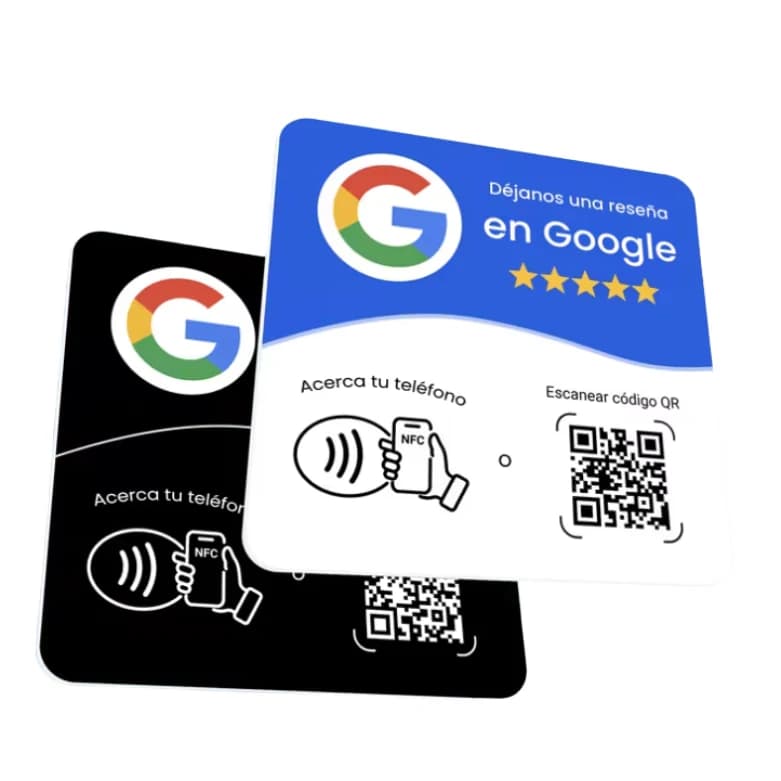
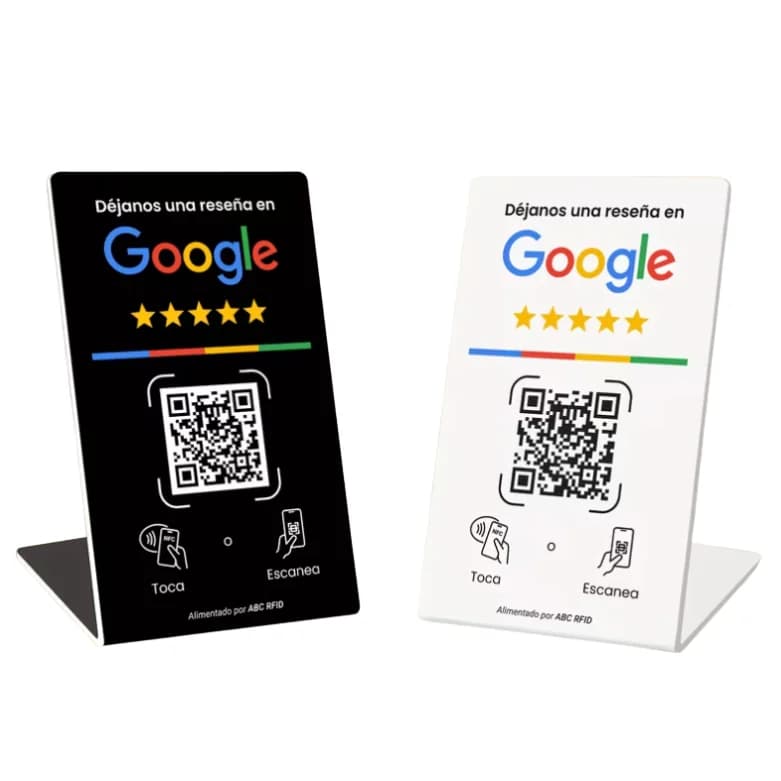
Because no reading method works on every phone. Apple notes that not all devices support background tag reading and recommends offering an alternative. That is why the Yume plate comes with the QR already printed: if NFC does not respond, the person opens the camera and scans.
The Google review NFC plate arrives already programmed with your business's review link, with no app and no subscription. For the full comparison, read NFC plate vs printed QR.
A quick test before you put it on display
Test with the real phone and in the real spot where the plate will live: the table, the counter or the stand. Hold the back of the phone to it with the screen on; on an iPhone, tap the notification. If nothing happens within a few seconds, scan the QR with the camera.
For an event, test with the plate already mounted in its holder, not loose on a table. Suppliers recommend testing before ordering in volume. To decide where to place it, read how to use your plate and where to put your plate. If you work in events, see the plate for planners and venues. If you prefer something free-standing with no sticking, see the Google review NFC stand.
Frequently asked questions
Not on iPhone XS and later, nor on Android phones with NFC on. For a web link, the phone's own reading is enough, and the Yume plate needs no app or subscription.
Apple documents background tag reading from the iPhone XS onward. It only processes NDEF tags with a URL record.
With an iPhone older than the XS you cannot assume the plate works without an app. In that case, the person scans the QR that is already printed on it.
Check that NFC is turned on in settings and that the screen is on. If it still does not respond, scan the QR with the camera.
Cases with metal rings, plates or card slots can interfere, and very thick ones can reduce the range. If there is no response, remove the case and try again, or use the QR.
It can fail: nearby metal distorts the NFC field, and a standard plate on a metal surface may stop reading. Always test on the real surface.
Because that is how Apple documents background reading: a notification appears and the person taps it to open the content.
Keep reading
- NFC card for Google reviews: plate or stand?
- Custom NFC plate with your logo for Google reviews
- NFC Plate vs. Printed QR Code: Which One Should You Use for Reviews?
- How to Use Your Yume Google Review Plate: No Setup Needed
- Where to Put Your Google Review QR: Checkout, Table or Reception
- Google review plate for event planners and venues
- Google review plates: one-time price vs monthly subscription
- Google Review Plate with NFC: What It Is and What It Costs
Order it now