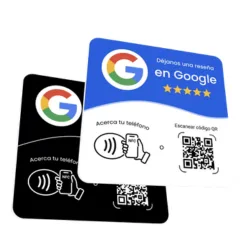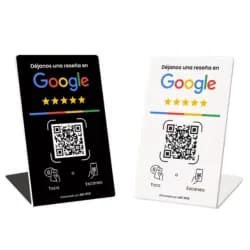
How to Use Your Yume Google Review Plate: No Setup Needed
Unlike other NFC plates sold "blank" that ask you to program them yourself with an app, Yume's plates arrive with the NFC and QR already configured with your business's link from the moment we produce them: you take it out of the box and it's already ready for your customers to use.
What we need from you before we produce it
After your purchase we ask for your Google review link over WhatsApp (or your business's exact name as it appears on Google, if you don't have the link handy). We use that to program the NFC and generate the QR code before printing and shipping your plate.
The day it arrives
There's no app to install and nothing to scan to "activate" it: the plate arrives already working. Just place it where your customers will see it (counter, register, table) and, if it's the no-stand version, stick it down with the adhesive already on the back.
To test that it works before putting it out, just tap your own phone or scan the QR: it should take you straight to the screen for leaving a review for your business.
If your business changes its name or Google listing
Message us on WhatsApp and we'll sort it out with you: depending on the case, it can be solved by reprogramming the same plate or may require a new one. It's not something the end customer can change on their own from their phone, precisely to prevent anyone else from reconfiguring it without you knowing.