How to Set Up Your Google Business Profile and Ask for Reviews
A Google Business Profile helps introduce your business to people searching for it. This guide covers the general steps to set it up and ask customers for reviews respectfully, whether you run a restaurant, a practice or an event service in Mexico.
What is a Google Business Profile and why does it matter?
A Google Business Profile is a listing an eligible business can use to present information on Google, including Search and Maps. It can show useful details and receive customer reviews, so people who find you can learn about your business and decide how to contact you.
You may also know it by its former name, Google My Business. Keeping information accurate helps people understand what you offer and how to find you; it does not guarantee a position in search results.
How do you claim or create a business profile?
First search for your business name and location on Google Maps or Google Business Profile. If a listing already exists, request access to manage it; if there is no listing and your business meets Google's requirements, start creating a profile and provide the requested details.
Follow Google's verification instructions to confirm you can manage the business. Available verification options vary by profile and may change, so use the instructions shown for your situation. Avoid creating a duplicate and keep access to the account you use to manage the listing.
What should you complete so customers can find you?
Choose a category that describes your main activity and complete your hours, phone number, photos and description with accurate, current information. Look at the listing as a customer would: they should understand what you do, when you are open and how to contact you.
Update special hours when needed and use representative photos of your premises, services or work. An event vendor can describe their service clearly; a practice can check that its phone number and office hours are correct.
How can you ask for reviews while following Google's rules?
Ask real customers for an honest opinion and share the direct link without pressure or suggesting a rating. Do not offer discounts or free products in exchange for a review: Google considers incentives for reviews fake engagement and strictly prohibits them.
Ask all real customers, not just those you think will be happy, and accept what they write. Do not post or commission fake reviews. For example: “If you would like to tell us about your experience, an honest review would help us.” Customers can respond later or decline.
How can a direct link, QR code or NFC plate make reviews easier?
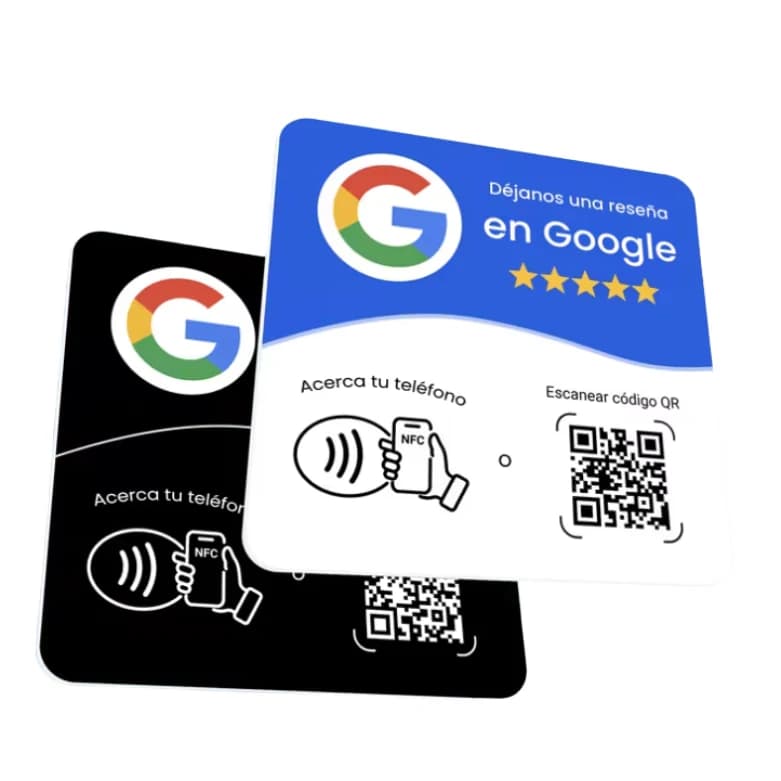
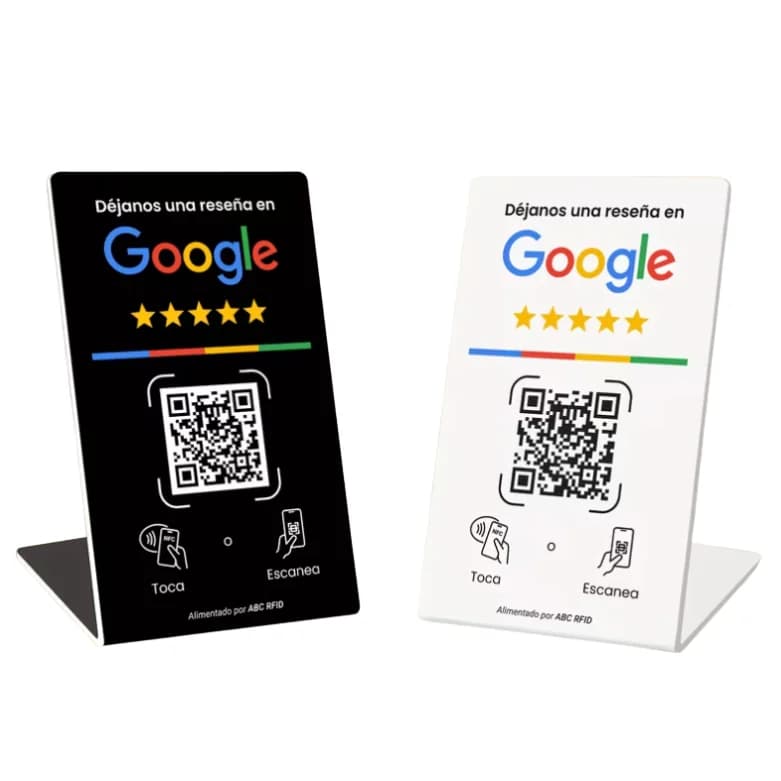
Share your profile's direct review link in a message or use a QR code customers can scan. You can also place an NFC and QR plate at reception, the register or a table, so customers can choose how to open the link on their phone.
The Yume plate costs $140 MXN and includes adhesive; the Yume stand costs $200 MXN and sits upright. Both have NFC and QR. A printed QR code or plate only removes steps; it does not replace asking. Test the link before sharing it.
Invite customers politely and consistently, without promising results or influencing their opinion. Contact us on WhatsApp if you need help choosing a format.
When and how should you respond to reviews?
Check reviews regularly and respond to positive and negative feedback, aiming to reply promptly. Thank the customer in a brief, professional message; if something went wrong, listen, apologize when appropriate and offer a suitable channel for follow-up without arguing in public.
Do not share private information or details of a person's care, especially at a medical practice. A respectful response also shows other readers how you handle feedback.
What other questions come up often?
Business owners often ask about cost, verification and how to request feedback. The answers below cover the essentials for getting started and keeping the listing accurate; check Google's help resources if the options shown in your own profile are different.
Frequently asked questions
Google lets eligible businesses create and manage a Business Profile at no charge.
Follow Google's instructions to verify the profile. Available verification options can vary.
Yes. Share the direct link and invite an honest opinion without incentives or pressure.
No. A plate makes the link easier to reach; each customer decides whether to review and what to write.
Keep reading
- Google review plates: one-time price vs monthly subscription
- How to Get More Google Reviews with an NFC and QR Plate
- NFC Plate vs. Printed QR Code: Which One Should You Use for Reviews?
- How to Use Your Yume Google Review Plate: No Setup Needed
- Google review plate for medical practices
- Google review plate for restaurants
- Google review plate for salons and barbershops
- Google review plate for event planners and venues
- How to run a customer satisfaction survey
Order it now