How to run a customer satisfaction survey
A customer satisfaction survey helps you listen to experiences and find opportunities to improve. You can create one with a free form or a WhatsApp message; keep the survey separate from any invitation to post a public review.
What is a customer satisfaction survey for?
It is a short set of questions about the experience of people who bought a product or received a service. Answers can reveal what works and what needs attention. First decide what you want to improve and avoid requesting information you do not need.
How many questions and what types should you use?
Start with six to eight clear questions: combine consistent scales with one open question. CSAT can measure satisfaction from 1 to 5; NPS asks likelihood to recommend from 0 to 10. Explain the endpoints of each scale so answers can be compared.
What customer satisfaction survey questions can you ask?
Use simple questions about service, the product and waiting time, along with a recommendation scale and an open response. Adapt each question to what your business offers and explain the endpoints of the scales before you share the form with customers.
Try these seven questions: 1. How satisfied were you with the service, from 1 to 5? 2. With the product or service, from 1 to 5? 3. With the wait, from 1 to 5? 4. Was the information clear? 5. Did you find what you needed? 6. How likely are you to recommend us, from 0 to 10? 7. What could we improve?
Where and when can you use a QR survey?
Share a QR code leading to a form at the counter or on a receipt, or send questions by WhatsApp after the purchase or service. Explain that responding is voluntary and choose a time close to the experience without interrupting the customer.
How should you read and use the results?
Review answers question by question and look for recurring themes in open comments. Consider how many people responded before drawing conclusions; a few responses may not represent everyone. Choose a concrete improvement, assign follow-up and compare later feedback with care.
How can you invite reviews without filtering customers?
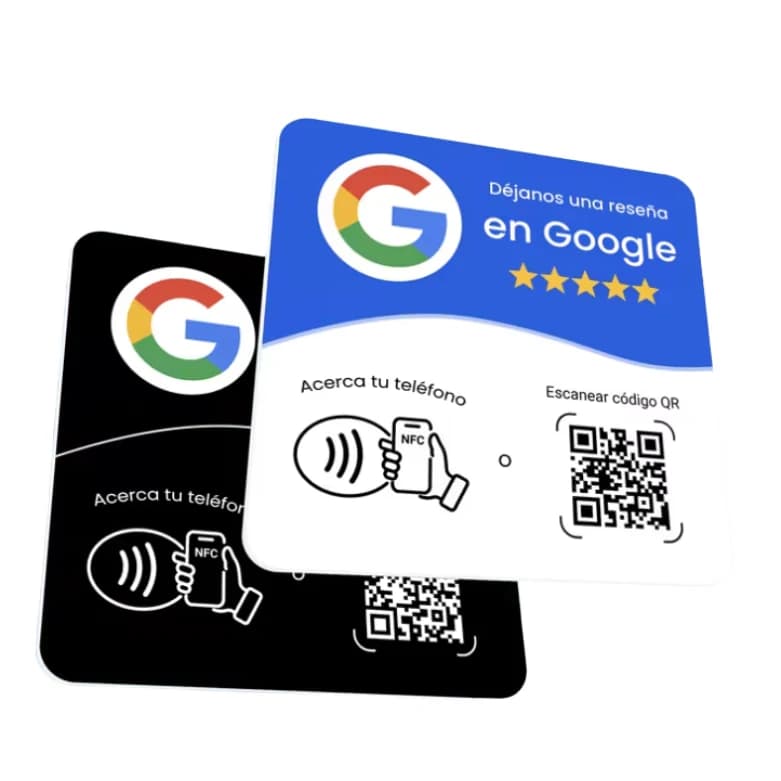
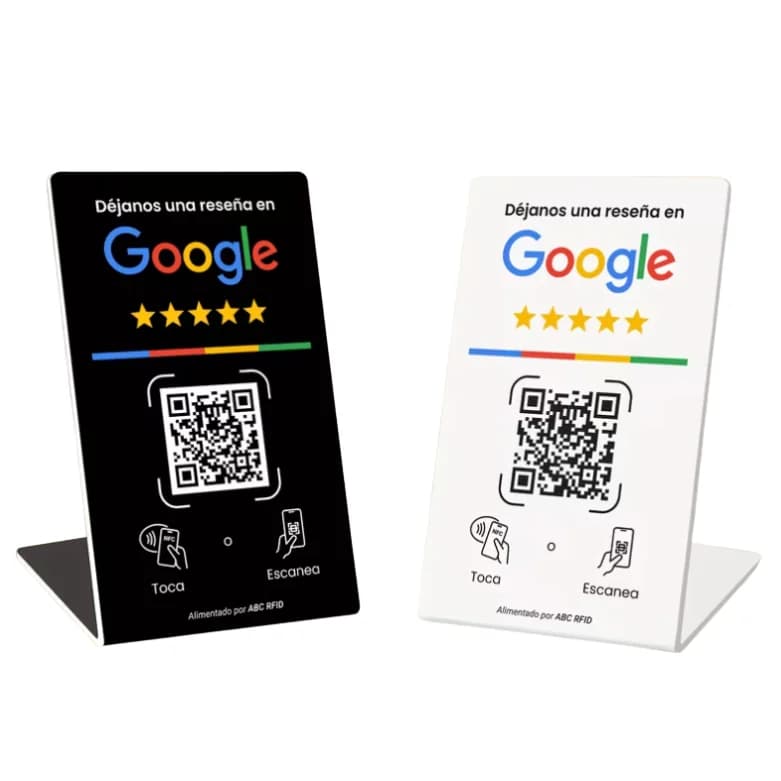
Keep the survey and review request separate and offer both to all customers. Sending only happy customers to Google or discouraging unhappy customers violates its review policy. The plate gives everyone the same NFC or QR path to leave an honest review.
Yume sells the plate and stand, not a survey tool. It configures both paths with the review link before shipping; the plate costs MXN $140 and the stand MXN $200, one-time, from one piece.
Frequently asked questions
Yes. You can order one plate or stand; both have NFC and QR configured with your review link before shipping.
No. It makes the link easier to reach; each person decides whether to leave feedback and what to write.
Keep reading
- How to Set Up Your Google Business Profile and Ask for Reviews
- Google review plates: one-time price vs monthly subscription
- How to Get More Google Reviews with an NFC and QR Plate
- NFC Plate vs. Printed QR Code: Which One Should You Use for Reviews?
- How to Use Your Yume Google Review Plate: No Setup Needed
- Google review plate for medical practices
- Google review plate for restaurants
- Google review plate for salons and barbershops
- Google review plate for event planners and venues
Order it now