Google review policies: what you can and can't ask for
Asking for reviews on Google is allowed, but several common practices go against the Google Maps policy: giving discounts for reviewing, filtering out unhappy customers, or trying to influence what they write. This guide separates what you can do from what you can't, based on the official text, and closes with an example of asking everyone equally.
Google review policies at a glance
Google's Maps content policy lets you ask for reviews that reflect an authentic experience. What it prohibits is offering incentives, such as payments, discounts or free goods, asking for positive reviews selectively, discouraging negative ones, or trying to influence the rating and the content. Everything else in this guide builds on that.
Rules can change, so before building your process check the official page listed under Sources at the end.
What you can do when asking for Google reviews
You can ask your customers for reviews and encourage them to describe their real experience. The policy accepts this as long as you offer nothing in return and do not try to influence the rating or what they write. Asking everyone equally, with a link or QR code to your profile, is an easy way to do it.
In practice, that includes asking all your real customers, sharing the link to your profile, showing a QR code, and letting each person write in their own words and choose their own rating. If your profile is not ready yet, start with the guide to setting up your Google Business Profile and asking for reviews.
What is prohibited when asking for Google reviews
Offering payments, discounts or free goods and services in exchange for reviews is prohibited, and so is offering something to change or remove a negative review. You also cannot discourage negative reviews or ask only certain customers for positive ones. These practices go against Google Maps' content policy.
The table summarizes what the official text says, applied to common situations in a business.
| Practice | Allowed? | Why |
|---|---|---|
| Asking all your customers for a review | Yes | The policy accepts requesting content that represents an authentic experience |
| Sharing a link or QR code to your profile | Yes, offering nothing in return | It only changes how the request arrives |
| Discount, gift or payment for reviewing | No | It is an incentive |
| Offering something to change or remove a negative review | No | Also covered by the incentives prohibition |
| Asking only happy customers for a review | No | It is asking for positive reviews selectively |
| Asking for five stars or dictating what to write | No | It tries to influence the rating or the content |
Filtering only happy customers: why not
Gating means first asking whether the customer is happy and sending only those who say yes to Google. That is asking for positive reviews selectively, and the Google Maps policy prohibits it. Even if it seems to protect your reputation, it leaves out the real experience of your other customers.
Asking everyone equally avoids the problem at the root: there is no first question deciding who gets the link. If a customer complains in person, you can help them, but the invitation to review should not depend on their answer.
In-store pressure, paid reviews and reviewing yourself
The policy we reviewed covers incentives, influencing the rating and conflicts of interest, such as an employment or contractual relationship with the business. It does not mention in-store pressure or reviewing yourself in those words, but both try to influence what gets published, so the prudent choice is to avoid them.
Paying someone to review falls under the prohibition on payments in exchange for reviews. And if the reviewer has an employment or contractual relationship with the business, the policy treats it as a possible conflict of interest. The safest path is to let real customers who lived the experience write the reviews.
Quick checklist to review your review process
Before you put up a QR code or a plate, check four things: you ask all your real customers, you offer nothing in return, you do not ask first whether they were happy, and you do not suggest a rating or text. If all four hold, your way of asking matches what the policy says.
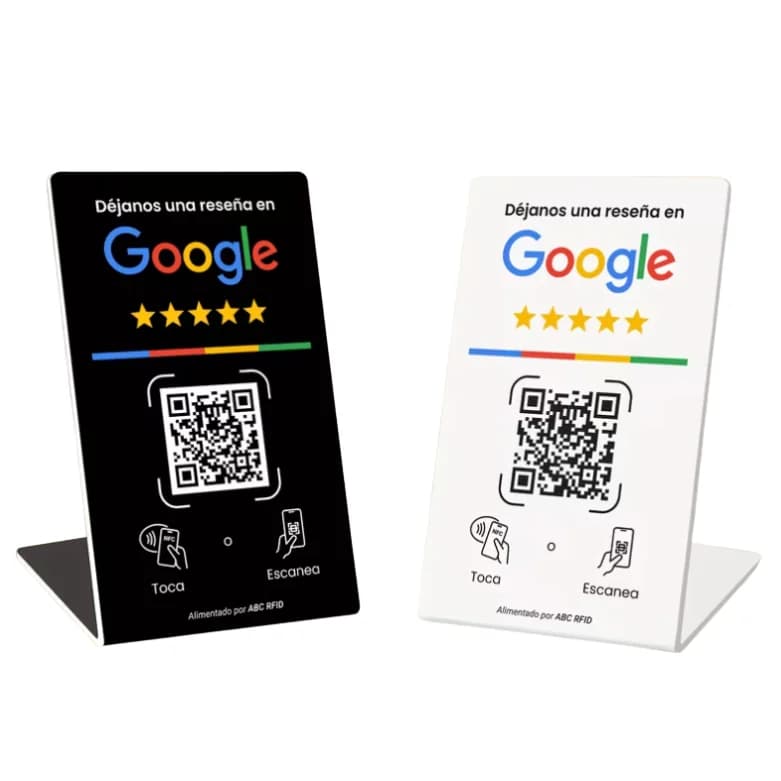
Once that is clear, choose the spot with the guide on where to put your plate. If your business serves food or health, see how it applies to restaurants and medical practices. And if you prefer a countertop piece, see the Google review NFC stand.
How to ask everyone equally with an NFC plate or QR
Ask every customer the same way and let each person write what they think. The NFC plate or QR code is only the path to your profile's review link: it does not change the rules. What matters is that you offer nothing in return and do not choose whom to ask.
A neutral message that works for everyone: “If you like, a review of your experience helps us a lot. Hold your phone near the plate or scan the QR.” It mentions no discounts, does not ask whether they were happy and does not request a specific rating.
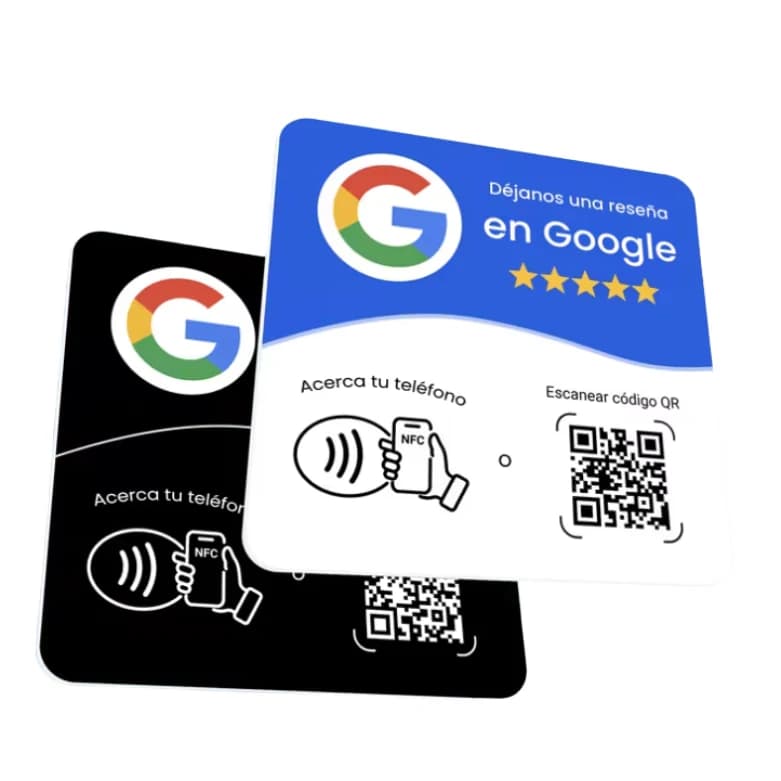
Our Google review NFC plate arrives already programmed with your business's review link and with the backup QR printed on it. You pay once, with no subscription and no app. It does not promise more reviews: it makes the step easier, and the rules in this guide stay the same.
To choose between the two options, read NFC plate or printed QR, and for placing and using it, how to use your plate.
Frequently asked questions
Yes, as long as the review reflects an authentic experience and you offer nothing in return.
No. Payments, discounts and free goods or services in exchange for reviews are incentives the policy prohibits.
No. Requesting positive reviews selectively, or discouraging negative ones, goes against the Google Maps policy.
Not by themselves. The policy we reviewed does not mention NFC or QR: it regulates what you offer and whom you ask. The plate only leads to your profile's review link.
No. It makes the step easier for someone who already wants to leave an opinion, but it does not guarantee a number of reviews.
You can help them, but the invitation to review should not depend on their answer.
Yes. Before building your process, check the official page listed under Sources at the end.
Keep reading
- How to Set Up Your Google Business Profile and Ask for Reviews
- Google Review Plate with NFC: What It Is and What It Costs
- NFC Plate vs. Printed QR Code: Which One Should You Use for Reviews?
- How to Use Your Yume Google Review Plate: No Setup Needed
- Where to Put Your Google Review QR: Checkout, Table or Reception
Order it now