
Google Reviews for Restaurants and Cafés: Practical Guide
If you run a restaurant or a café, your customers already have opinions about you: the question is whether those opinions reach Google. Here is how to ask for reviews at the table and the register, with a short script for your team, what Google prohibits so you do not put your profile at risk, and how to reply when a negative review arrives.
Google reviews for your restaurant: where to start
To get Google reviews for a restaurant or café, ask at the right moment, make it easy with a link or QR code from your Business Profile, and never offer anything in return. Google recommends reminding customers they can leave reviews, and it lets you create that link and QR code.
This guide covers why reviews matter, where to ask at the table and the register, what to say, when an NFC plate makes sense, what Google prohibits and how to reply.
Why reviews matter before anyone books a table
Many diners check reviews before choosing where to eat. In a TheFork survey of more than 6,000 users, 62% of diners in Spain rule out a restaurant if they find bad reviews before booking. It is a Spanish figure, not a Mexican one, but it shows how much weight your public reputation carries.
The figure comes from a booking platform, so treat it as a reference and not as a promise of results. What does depend on you is giving visitors an easy way to share their experience.
Where to ask for reviews: table and register
The two natural spots are the register and the table. At the register, put the plate at eye level, next to the card terminal. At the table, use it once the customer has finished eating. A code hidden under the counter does not get used, so place it where customers look.
Other spots we suggest are the exit and the receipt or takeout packaging. For common placement mistakes, read where to put your review plate.
What to say: a short script for waiters and cashiers
A good script is short, neutral and pressure-free. What matters is thanking, inviting and pointing to the plate, without insisting or asking for a particular rating. For example: “Thanks for coming. If you would like to tell us how it went, a Google review helps us; hold your phone near the plate.”
To leave a review, the customer must sign in to a Google account. They can create one with an email address that is not Gmail. This is real friction: if someone has no account handy, do not pressure them; they can do it later.
Direct link, NFC plate or QR: which one to use
Asking in person works, but it depends on the customer remembering your business name and searching for it. A direct link, a QR code or an NFC plate saves that step: it opens your review form with a tap or a scan. Google lets you create the link and the QR code from your Business Profile.
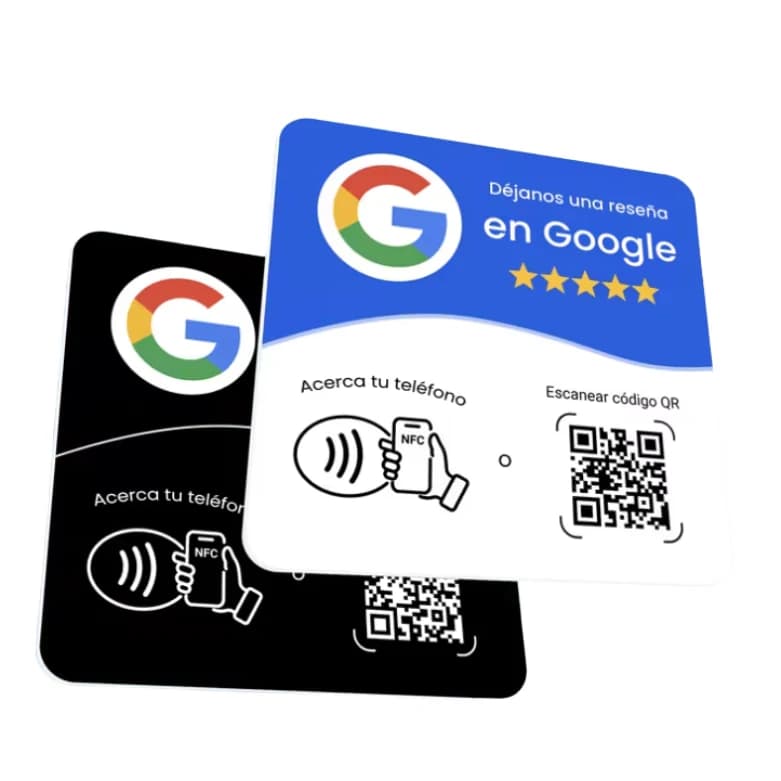
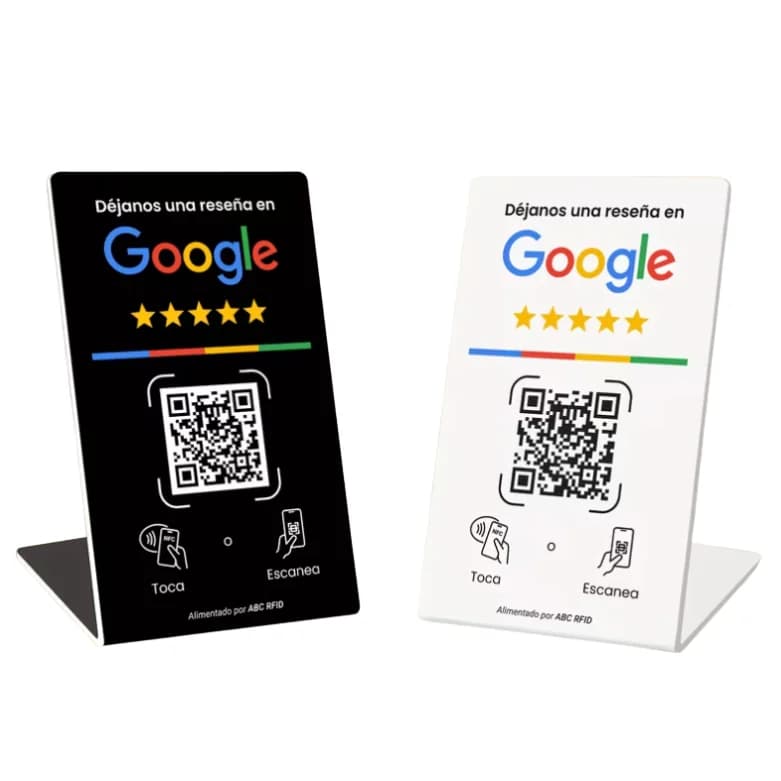
The Yume NFC review plate arrives already programmed with your business review link and with a backup QR printed on it. It is a one-time payment, with no subscription and no app. It comes with adhesive; if you prefer something freestanding, the NFC review stand does not need to be stuck down.
Not every phone reads NFC the same way, which is why the backup QR is there. To compare both options, read NFC versus printed QR. If you wonder about your customers' phones, check whether the NFC plate works with iPhone and Android.
What Google prohibits when you ask for restaurant reviews
Google prohibits offering free or discounted products or services in exchange for reviews, for changing them or for removing negative ones. In a restaurant, that includes giving away a dessert, a coffee or a discount for reviewing. Google treats it as fake engagement and it is strictly prohibited.
Reviews must reflect an authentic experience, and violations can lead to restrictions on your Business Profile. The legitimate alternative is to thank customers, ask naturally and reply.
According to specialized media that follow the policy, Google can remove incentivized reviews, and restrictions can stack up if violations repeat. They also say Google asks to be told about signs, flyers or QR codes that offer incentives, so your QR can invite a review, but it must not promise anything in return.
For a broader look at what is allowed, read Google review policies.
How to reply to reviews, including negative ones
Several review guides recommend replying to all of them, not only the positive ones. To a good review, say thanks in a sentence. To a negative one, reply calmly and without arguing. Never offer anything in exchange for changing it, because Google prohibits that.
A short protocol for a negative review: read it calmly before answering, thank the customer for taking the time, acknowledge what they went through without debating details in public, and invite them to continue the conversation through a direct channel. Do not promise compensation in exchange for changing their opinion.
To set up your profile and link step by step, see set up your Google profile.
Ask every customer, not only the happy ones
It is best to ask every customer for a review, not only those who leave happy. According to third-party blogs that cite Google's policy, asking only satisfied customers or discouraging negative reviews is also prohibited. Choosing who to ask would be cherry-picking.
That is a reading of secondary sources, not literal Google text. To see how this applies to your business type, read review plate for restaurants.
Frequently asked questions
No. The plate makes the step easier for the customer, but it does not guarantee reviews. Whether someone reviews depends on their experience and their choice to do it.
Google recommends reminding customers they can leave reviews and lets you create a link and a QR code in your Business Profile. What is prohibited is offering something in return. Violations can lead to restrictions on the profile.
No. Google prohibits offering free products, services or discounts in exchange for reviews. Thank customers in person and let each one decide.
Better not to. According to third-party blogs that cite Google's policy (not official text), asking only satisfied customers is not allowed. Use the same script with everyone.
This article has no figure for Mexico. The 62% comes from a TheFork survey in Spain and is cited only as a reference.
Keep reading
Order it now
Sources
- Google Business Profile Help: review policy
- Vinetur: TheFork survey on reviews and bookings in Spain
- PinMeto: incentivized reviews and Google (secondary source)
- PinMeto: stacking restrictions for repeat violations (secondary source)
- Search Engine Roundtable: Business Profile restrictions for review violations